Genie uses rolling-code (Intellicode) security on all openers made after 1995. Every time you use the remote, the code changes automatically — so programming involves syncing the remote to the opener, not entering a fixed code.
Also see: Complete Genie ChainMax / SilentMax guide → — LED codes, troubleshooting, and Safe-T-Beam sensor guide.
Before You Start — Find Your Genie Model Type
Genie openers fall into two main generations with different programming methods. Check the label on your motor unit:
Intellicode (1995–present)
Has a "Learn Code" button on the motor head (usually purple, red, or yellow). Most common. This guide covers this type first.
Pre-Intellicode (before 1995)
Uses DIP switches (tiny rows of switches) on both the remote and the opener. Set both to the same switch pattern. These openers are very old — consider upgrading.
How to Program a Genie Remote (Intellicode)
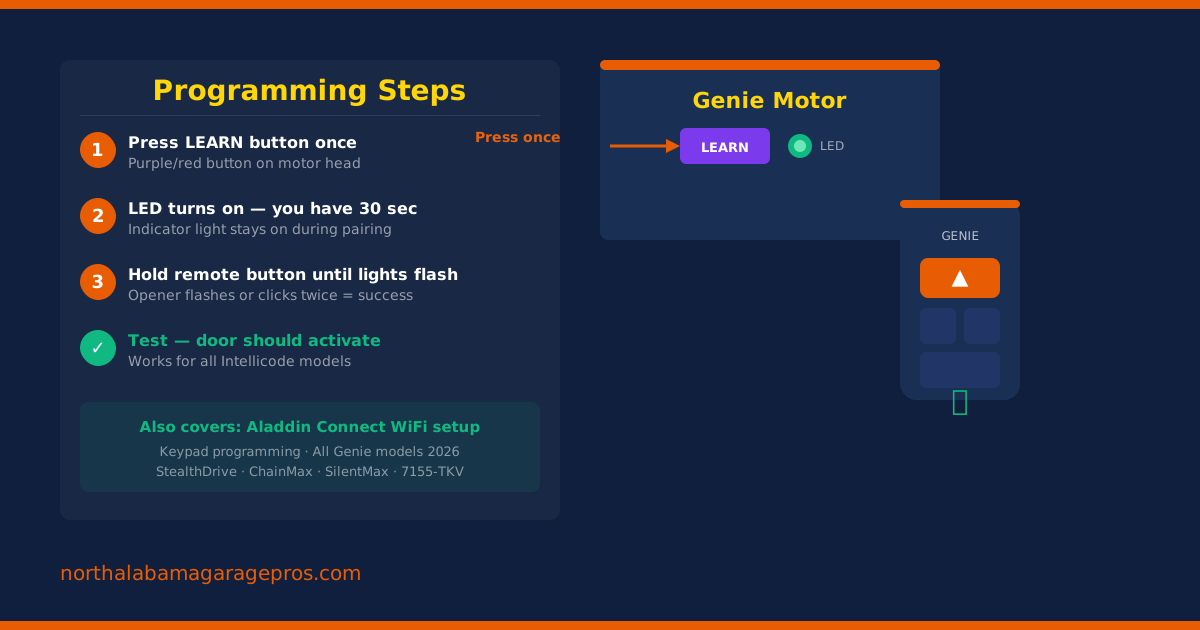
- Locate the "Learn Code" button on the back or side of your Genie motor head. It is usually a small square button — color varies by model (purple on newer models, red on older).
- Press and release the Learn Code button. The indicator light next to it will turn on. You have 30 seconds to complete the next step.
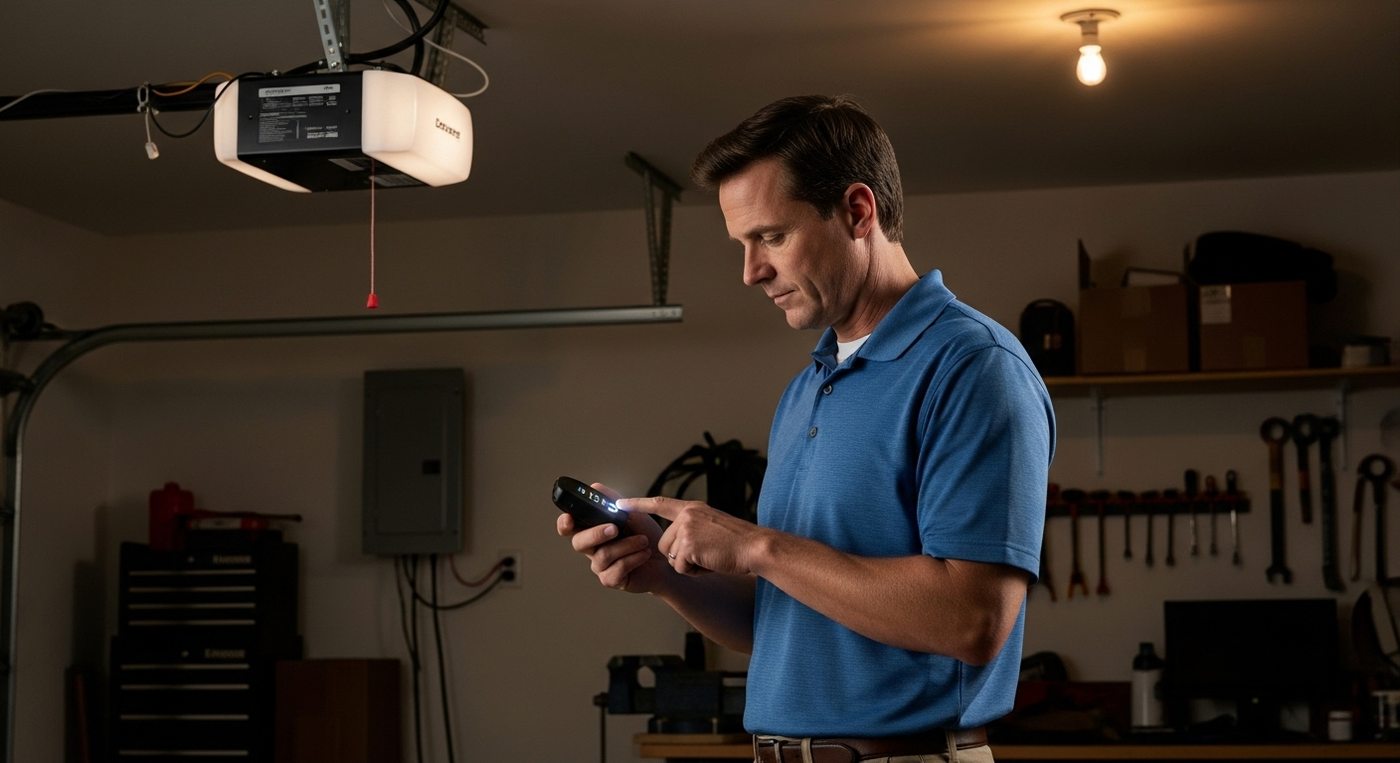
- On your Genie remote, press and hold the button you want to program until the opener lights flash or you hear two clicks. This indicates successful programming.
- Test the remote by pressing the button once from your car. The door should activate. If it does not, repeat from step 1.
Genie Model-Specific Notes
- Genie 7155-TKV / 3053-TKV: Press Learn Code once. LED flashes. Press remote button three times within 30 sec.
- Genie StealthDrive (6170H): Press Learn Code once. LED steady. Press remote once, hold 3 sec, LED flashes twice.
- Genie ChainMax 1000: Standard Intellicode process above. Learn button is on back panel.
- Genie SilentMax 1200: Press Learn Code twice for additional remote. LED flashes. Press remote three times.
How to Program a Genie Keypad
- Choose a 4–6 digit PIN that you will remember. Avoid obvious sequences like 1234 or your address.
- Press and hold the Learn Code button on the motor head for 3 seconds until the LED flashes.
- On the keypad, enter your chosen PIN and press the program button (marked "▲" or "Enter" depending on the keypad model).
- The opener lights will flash twice to confirm. Test the PIN immediately.
If your keypad is an older Genie model without a dedicated program button, consult the keypad's label on the back — older models use a different sequence involving holding "9" and "#" together.
Setting Up Aladdin Connect (WiFi / Smart Home)
Aladdin Connect is Genie's smart home platform — the equivalent of LiftMaster's myQ. It lets you open, close, and monitor your door from your smartphone.
What You Need
- A Genie opener made after 2011 (most current models have Aladdin Connect built in)
- If your opener is older: the Aladdin Connect add-on module (~$30 on Amazon)
- The free Aladdin Connect app (iOS or Android)
- Your home WiFi network name and password
Setup Steps
- Download the Aladdin Connect app and create a free account.
- In the app, tap "Add Device" and follow the on-screen prompts. You will be asked to put the opener into pairing mode.
- On the opener motor head, hold the Learn Code button for 10 seconds until the LED flashes rapidly — this enters WiFi pairing mode.
- Follow the app's WiFi setup — select your home network and enter the password.
- The LED will flash three times and then go solid when connected. Your door will appear in the app within 60 seconds.
Genie Remote Replacement — Top Picks
$20–$30
$28–$40
$25–$38
✦ Amazon affiliate links